Adjust League Schedule (Web Only):
- Only the League Manager can adjust your league's schedule either randomly or manually
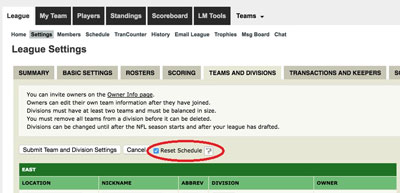
- To randomize your league schedule, the League Manger should click on League Settings and select the Reset Schedule checkbox
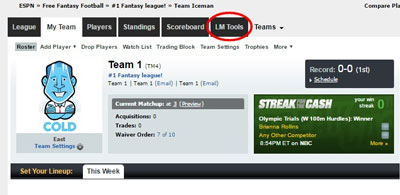
- To manually edit your league schedule, click LM tools
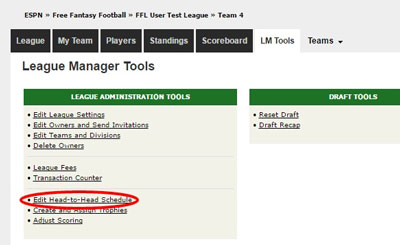
- Select "Edit Head To Head Schedule"
- Locate the first week that needs to be adjusted and click "Edit"

- Select the checkbox appearing next to a team that you wish to move. Then, go to the opposite column and select the checkbox for a team you would like to switch places with the other selected team. You are essentially trading the positions of the two selections
- To trade the selected teams' positions, click on "Switch Teams"

- Select "Save changes"
